
📳Getting started
It's easy to get up and running with the RM Compare Companion App
RM Compare 📳|Live has a modern responsive design which means it can be used on any device including mobile.
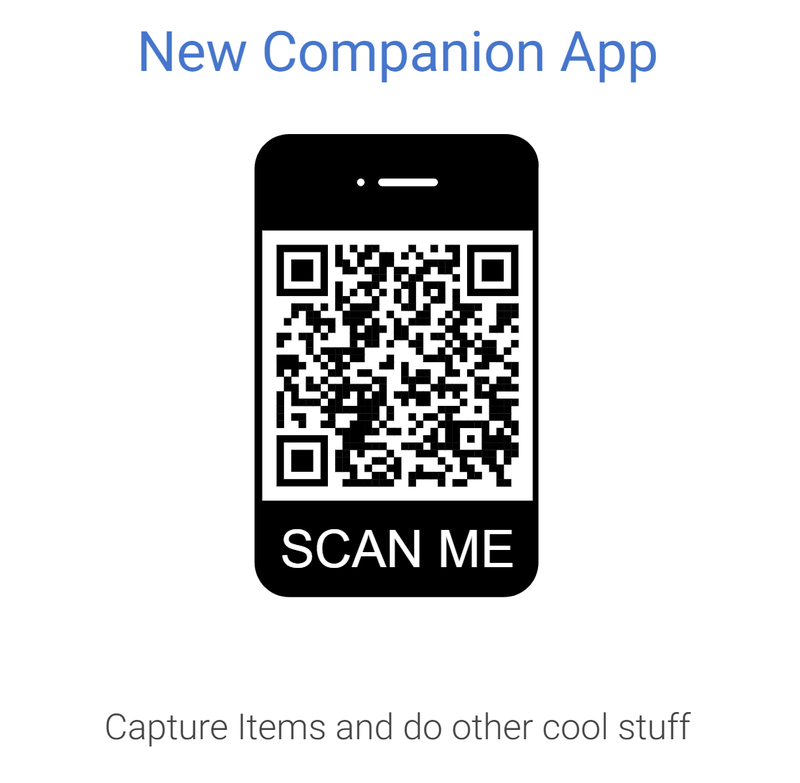
Get started right away at https://buddy.compare.rm.com/ or use the QR Code
Check out our dedicated Help Centre pages for full details
Logging in
The login screen (shown here in mobile, but similar on all devices) gives you the option of using your password (or going 'passwordless' if you can't remember it!).
For new users you can simply sign up for an account by registering for the free trial.
The RM Compare companion app also has a number of other features you may want to consider
- Language selector: There are a bunch of languages you can find from the globe icon at the top including English, French, Welsh, Swedish, Lithuanian and Cockney (!).
- Theme selector: Use the icon at the top of the screen to choose from Light Mode, Dark Mode or Default System Mode

In the 'hamburger menu'
Before you log in the 'hamburger menu' (top left) gives you access to the Help Centre, our Privacy Policy, Terms and Conditions and Cookie information.
Once you are logged in this menu will also contain account information